Accessibility basic checklist
November 03, 2024
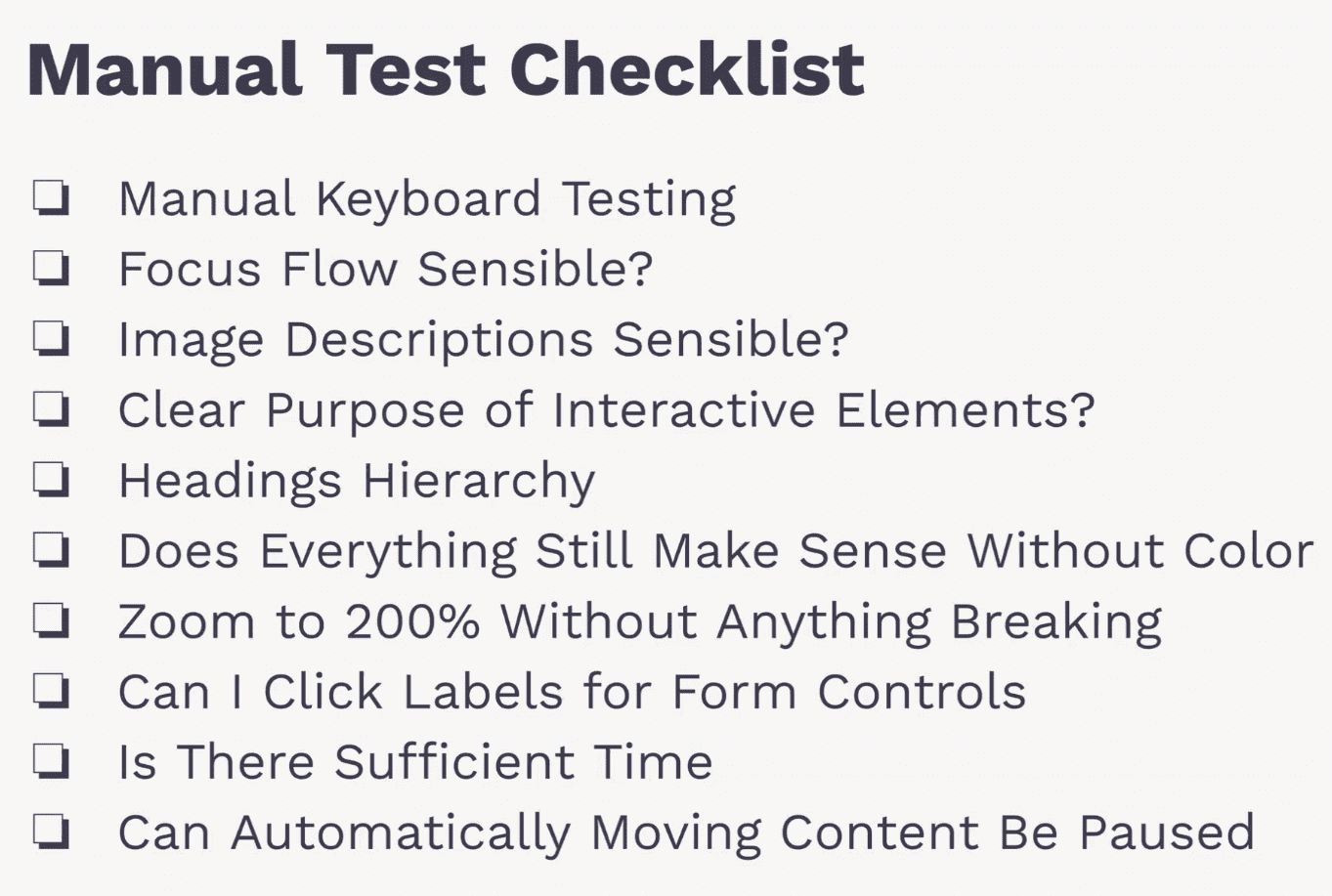
UI Semantics: Use proper HTML tags to make the UI clearer for all users, including those with assistive tools.
Content Structure
- Headings: Follow a logical order (e.g., H1, H2) to make content easier to navigate.
- Landmarks: Use roles like
navigationandmainto mark key sections for easier access.
Navigation: Help users know where they are in the app.
- Page Title: Set a unique title for each page.
- Active Item: Mark the active menu item visually and in the code.
Font Size & Zoom: Make text and elements readable when zoomed in.
- Minimum Size: Use at least 16px font size.
- Zoom Testing: Ensure the page works well at 200% zoom.
Colors & UI Contrast: Ensure all colors and contrasts are clear and accessible.
- Text Contrast: Use enough contrast between text and background.
- Color: Don’t rely only on color to show meaning, add icons or labels too.
Keyboard Operability: Make everything accessible by keyboard alone.
- Focus Outline: Make focused elements clearly visible.
- Focus Order: Ensure focus moves in a logical order.
Dexterity: Keep buttons and other elements large enough to click or tap easily.
- Minimum Button Size: Use a minimum of 44x44px for buttons.
Robust Forms: Make forms easy to fill out and understand.
- Labels: Link labels to form fields to make input clearer.